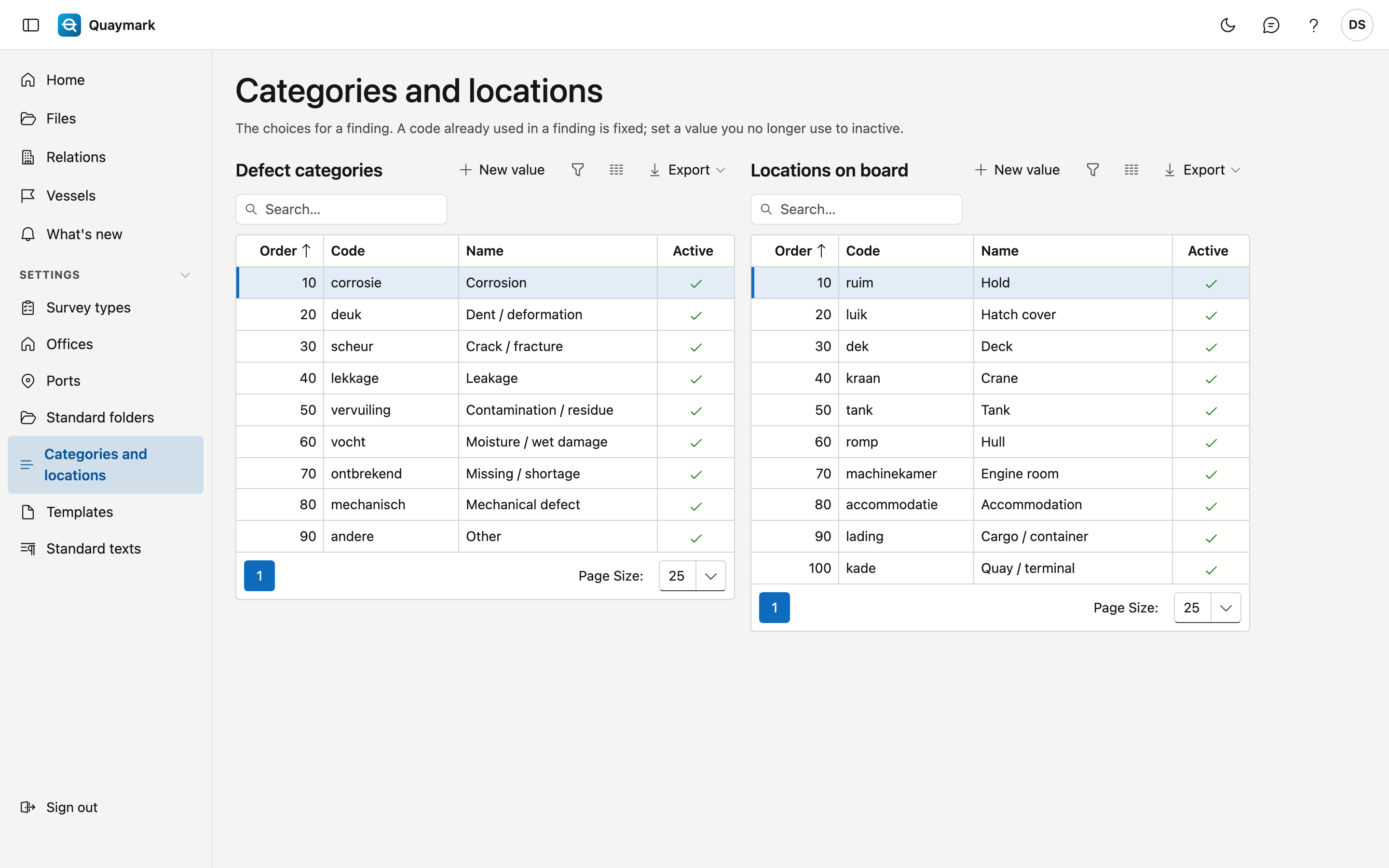
Categories and locations
The choices for a finding, for your office.
Opening the screen
In the menu on the left, click Settings, then Categories and locations.
Fields and functions
- Defect categories: what kind of defect it is, for example corrosion or a dent.
- Locations on board: where it is, for example a hold or the deck.
- Each value has a code, an order, a name in the four languages and whether it is active. A code already used in a finding is fixed. Set a value you no longer use to inactive.
- Double-click a row to edit it; New value adds one.