Vessels
The vessels the office surveys, seagoing and inland.
Opening the screen
In the menu on the left, click Vessels.
The list
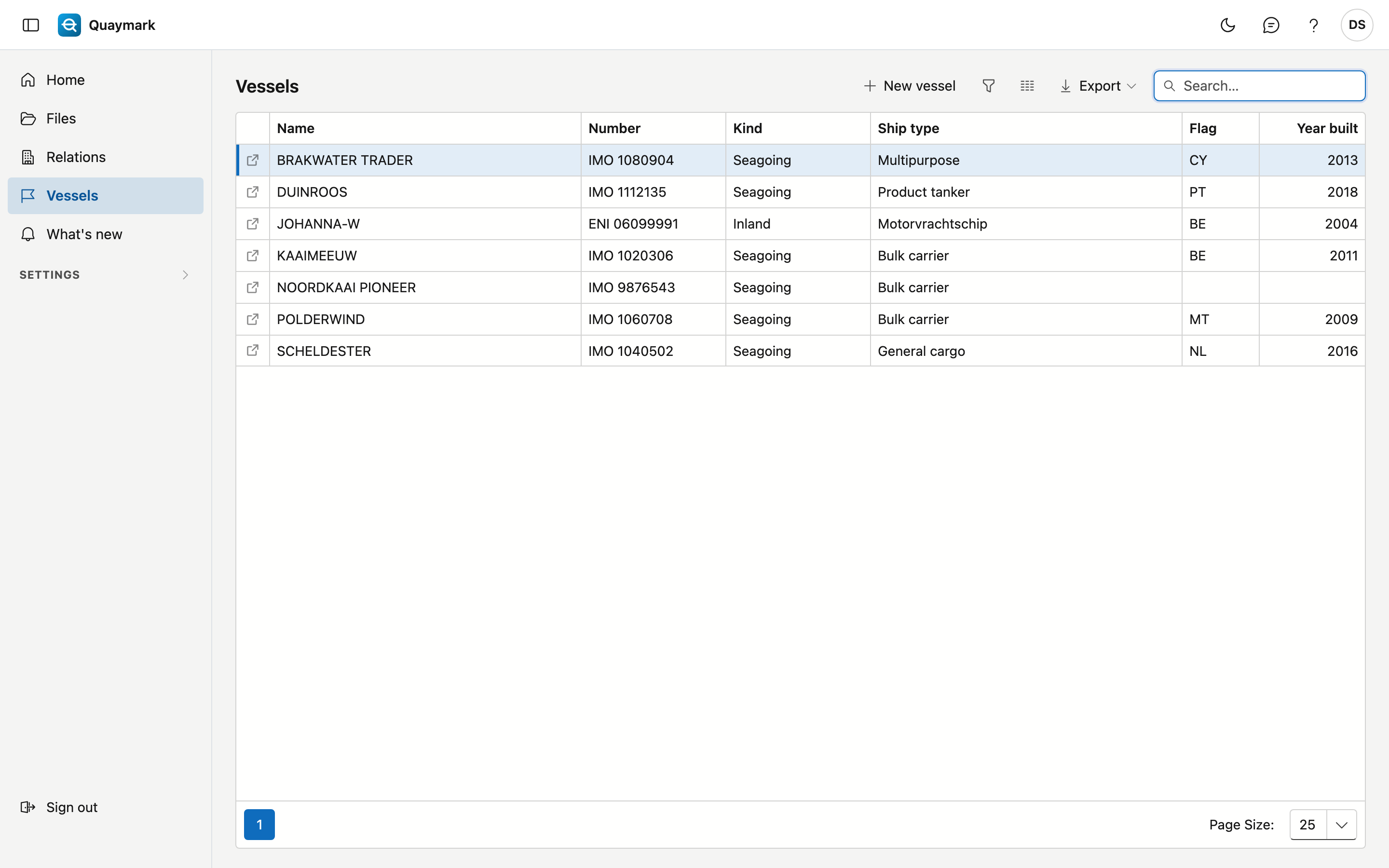
- Number is the IMO number of a seagoing vessel or the ENI number of an inland vessel.
- The search box searches name, number, kind, ship type, flag and year built.
- Double-click a row to open the record; the arrow at the start of the row opens it in a new tab. New vessel creates one.
Vessel
The details of one vessel.
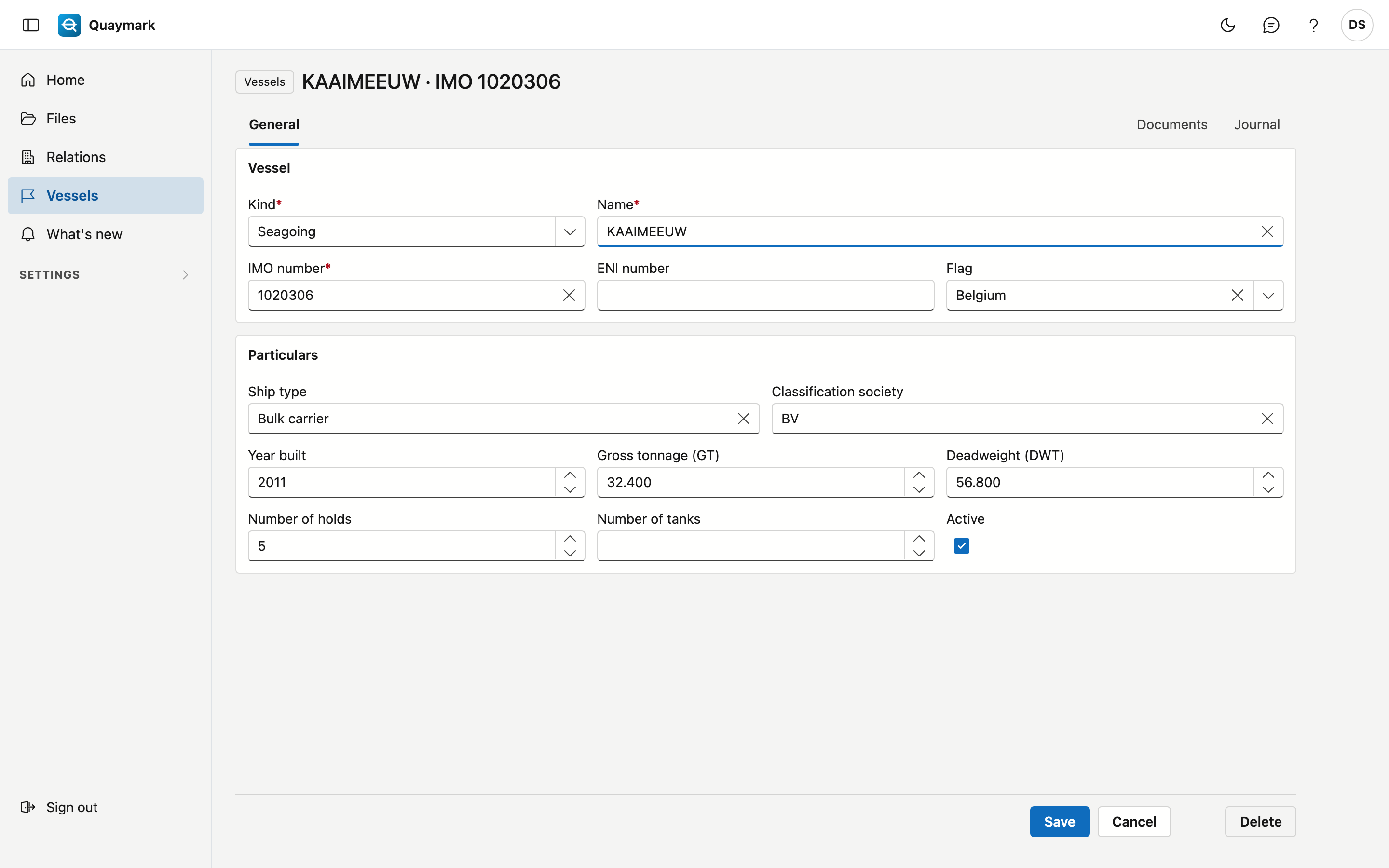
- Vessel: kind (seagoing or inland), name, IMO number, ENI number and flag. A seagoing vessel has an IMO number (7 digits, the last one is a check digit), an inland vessel an ENI number (8 digits). Each number occurs only once, the recycle bin included.
- Particulars: ship type, classification society, year built, gross tonnage, deadweight, number of holds and number of tanks. The number of holds or tanks determines how many empty rows a table per hold or tank gets in a file.
- Set a vessel you no longer use to inactive: it disappears from the choice list of new files.
A saved vessel has the Documents tab (plans, certificates, tables, in folders) and the journal. These documents also appear on every file of the vessel, under From the vessel. Delete moves the vessel to the recycle bin.