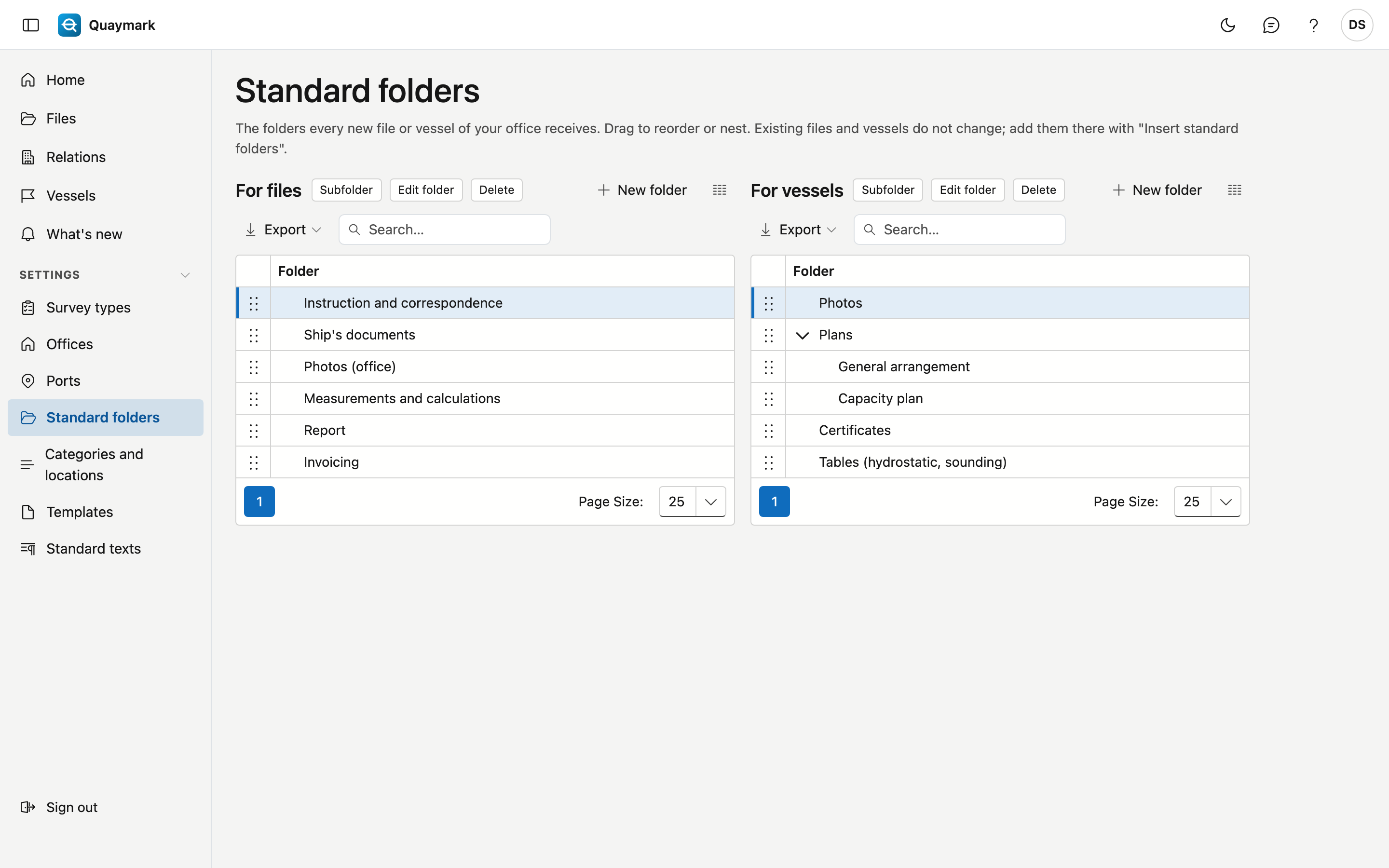
Standard folders
The folders every new file and every new vessel of your office receives, under the Documents tab.
Opening the screen
In the menu on the left, click Settings, then Standard folders.
Fields and functions
- On the left the folders for files, on the right those for vessels. A folder has a name in the four languages.
- Drag a folder to change the order or to put it inside another folder.
- Existing files and vessels do not change. Add the folders there with Insert standard folders on the Documents tab; folders that are already there are not duplicated.