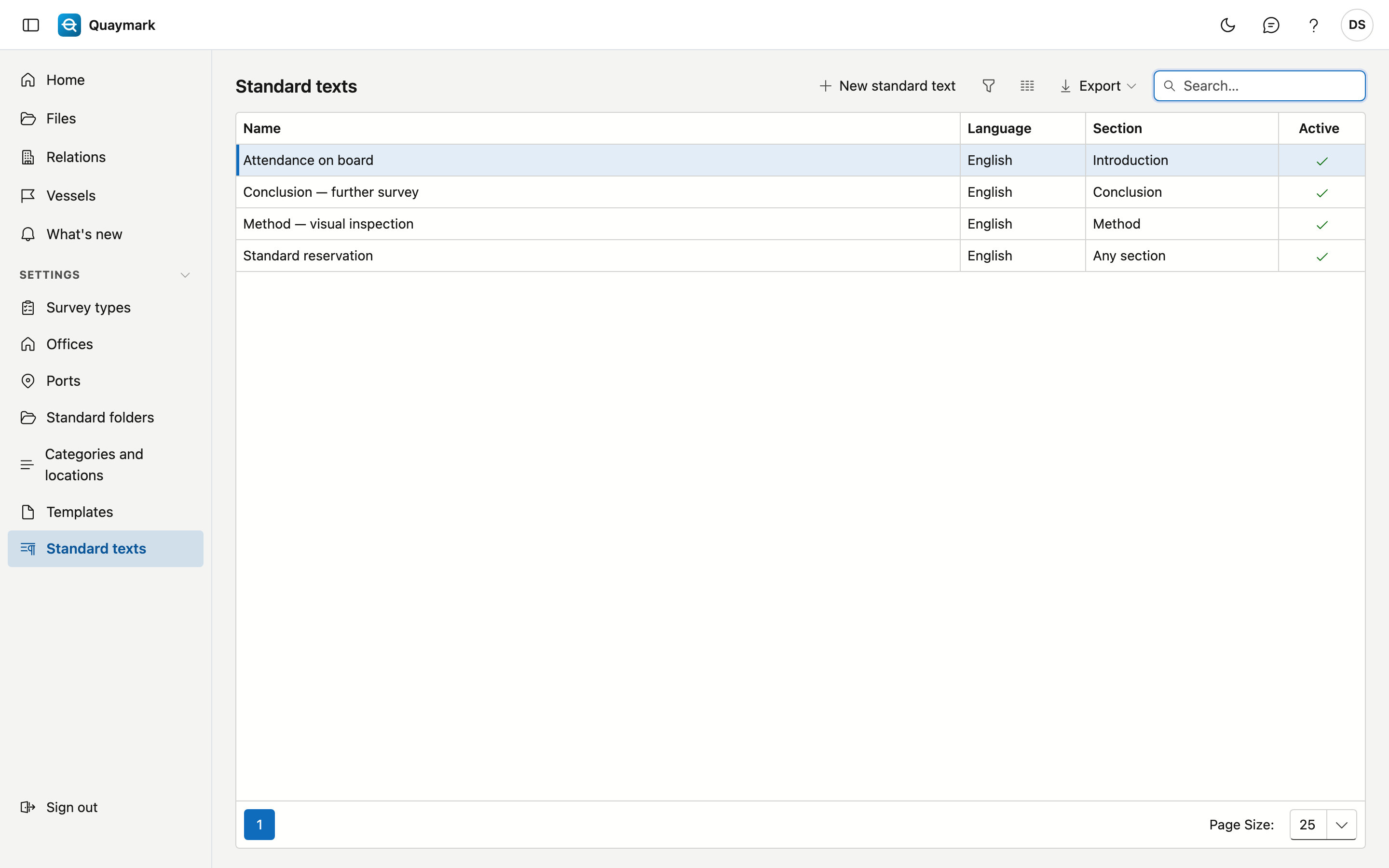
Standard texts
Fixed texts that a surveyor inserts into a section from the Report tab of a file, for example the office's usual reservations.
Opening the screen
In the menu on the left, click Settings, then Standard texts.
Fields and functions
- Each text has a language: the Report tab only offers texts in the language of the report.
- Choose a section to offer a text only in that section; empty = in every section.
- Formatting: bold, italic, underline and lists. The report shows nothing more.
- Set a text you no longer use to inactive. What was already inserted into a file stays there.