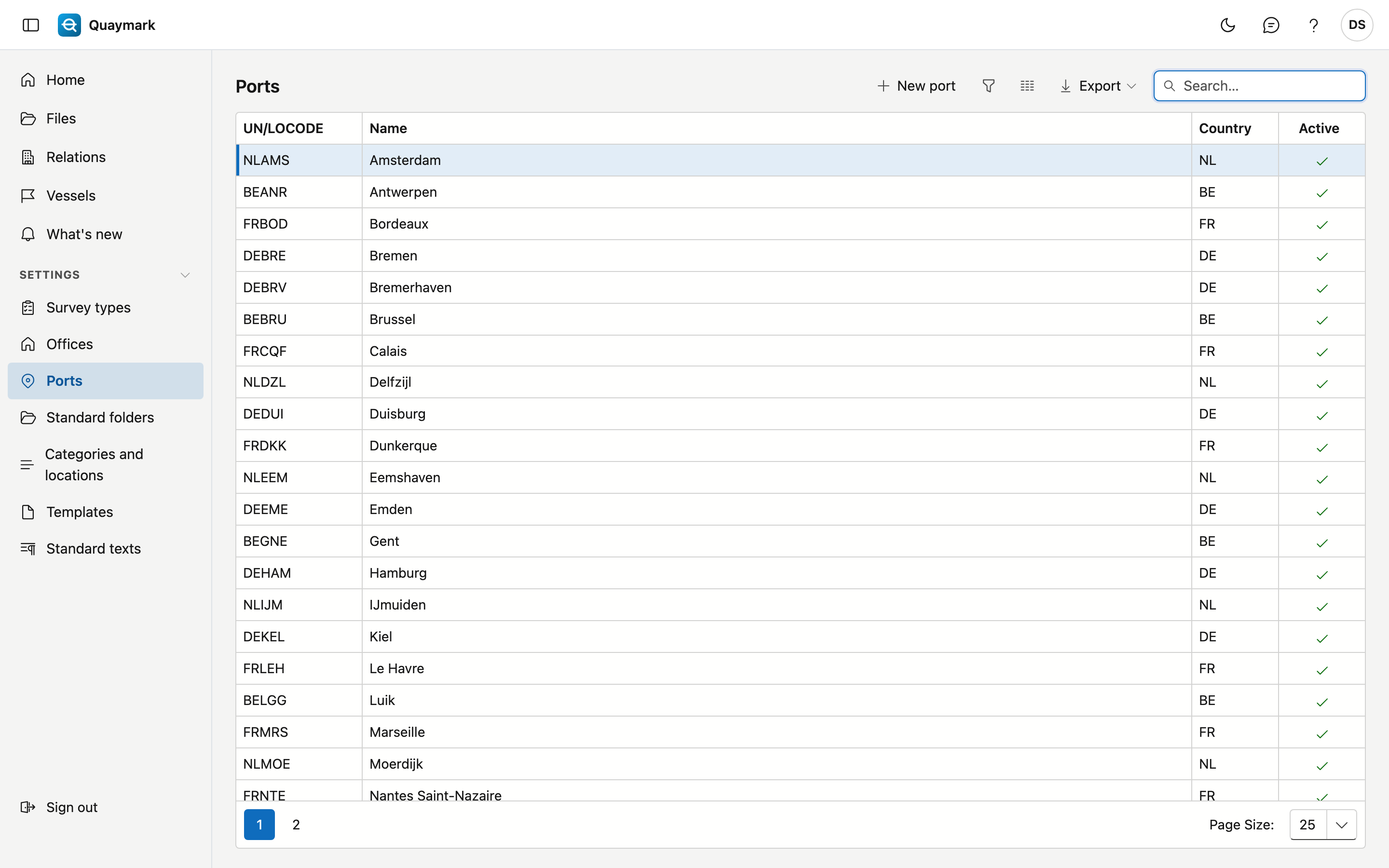
Ports
The ports a file chooses from. A new office starts with the main ports of Belgium, the Netherlands, France and Germany.
Opening the screen
In the menu on the left, click Settings, then Ports.
Fields and functions
- A port has a UN/LOCODE: five characters, the country code followed by the place, for example BEANR for Antwerp.
- Double-click a row to edit it; New port adds one.
- A port cannot be deleted, because older files refer to it. Set a port you do not serve to inactive: it then disappears from the choice list.