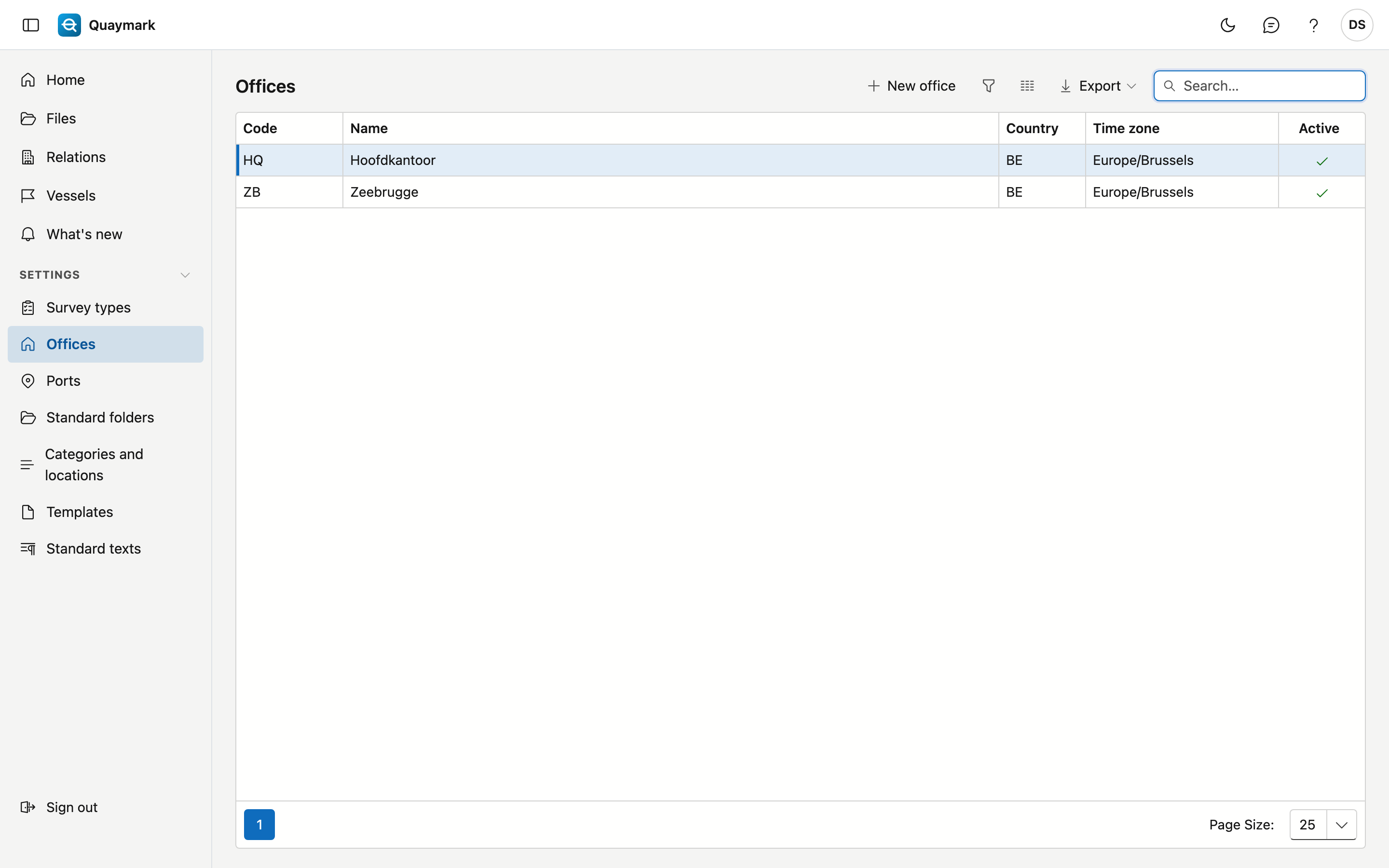
Offices
The offices of the survey firm. Every file belongs to one office.
Opening the screen
In the menu on the left, click Settings, then Offices.
Fields and functions
- The code (2 to 10 letters or digits) starts every file number, for example ANR-2026-0001. Numbering runs per office and per year. The code is fixed once files exist for the office.
- The time zone determines in which time a scheduled survey is shown and entered. An office in Dunkirk plans in French time, even if the file is scheduled from Antwerp.
- Double-click a row to edit it; New office adds one. Set an office that is no longer used to inactive.